
Image to Sketch Converter Online
Upload a photo and turn it into a pencil sketch, line drawing, or ink-style outline in seconds. This free photo to sketch tool works for portraits, pets, products, coloring pages, and creative projects - no sign up or login required.
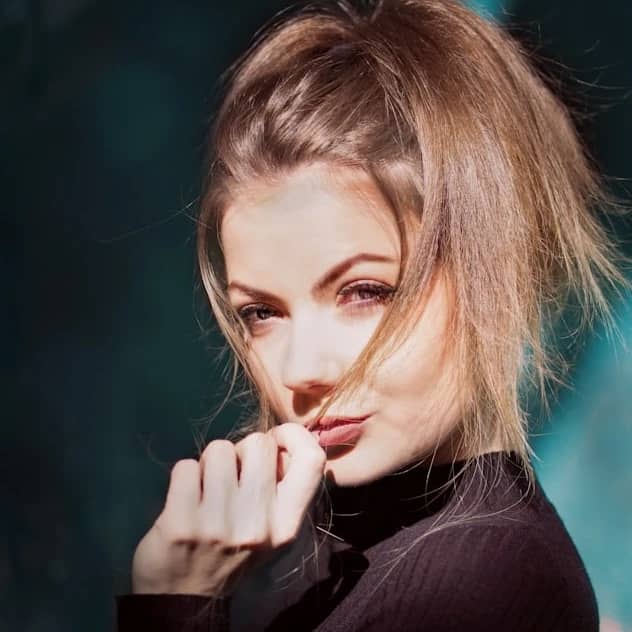
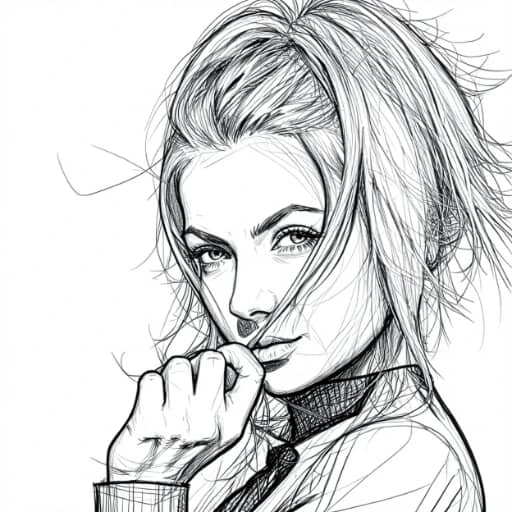
Drag and drop an image here
or click to upload, or paste from clipboard
Image to Sketch Converter Online
Turn Photos Into Pencil Sketches
Convert Image to Sketch, Pencil Drawing, and Line Art
Turn photos into pencil shading, crisp outlines, or ink-style line art with a simple upload. This free photo to sketch converter is designed for fast, practical results: choose a style, preview the output, and download a clean sketch for designs, presentations, printables, or social content. Need outlines instead of shading? Use the image to line drawing workflow to turn a picture into line art, a stencil, or a coloring-page-ready template.
Convert photo to pencil sketch online
Upload a portrait, product image, pet photo, or any clear picture and get a natural pencil sketch look in seconds. It is a useful image to pencil workflow for profile pictures, handmade-style gifts, printable artwork, and high-resolution sketch results when you want an artistic finish without drawing manually.
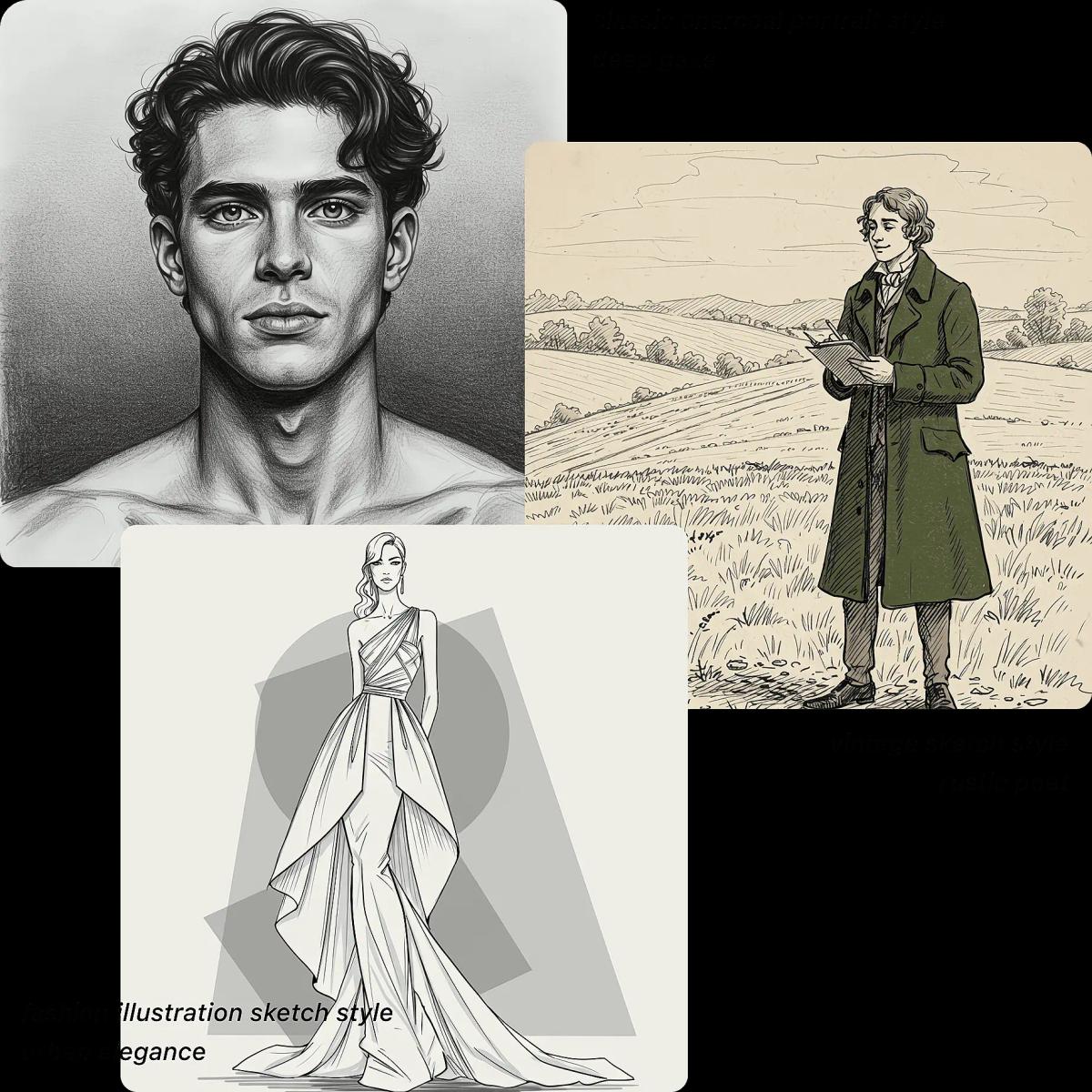
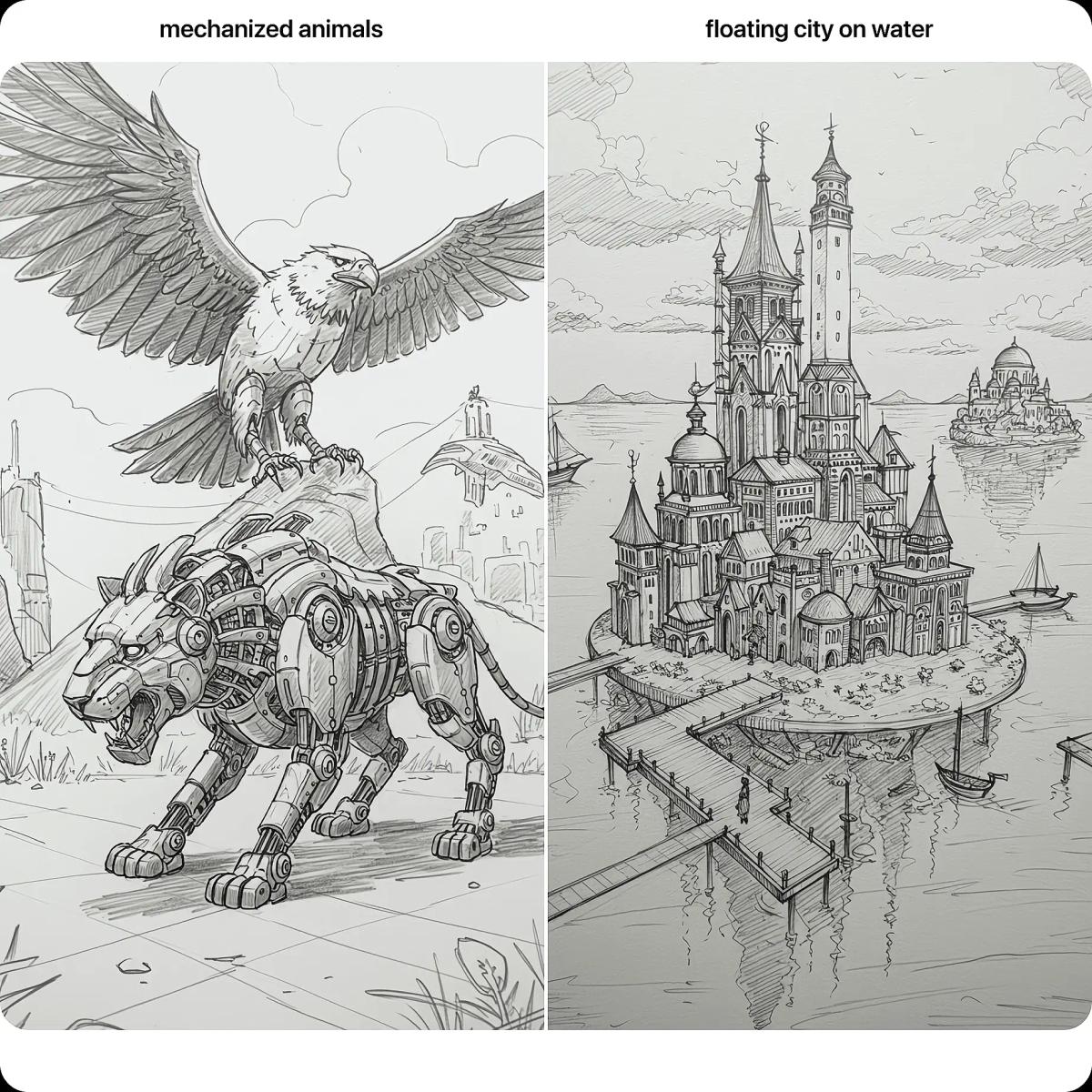
Create line drawings and ink outlines from images
Switch from shaded sketches to clean outlines for an image to line drawing result. Use it to convert images to outline drawings for stickers, stencils, coloring pages, product mockups, simple icons, and design references. Prefer stronger contrast? Try an ink drawing style for bold, graphic results with clearer edges.
How to Convert an Image to Sketch
Convert an uploaded image to a sketch, pencil drawing, or line art result in a few steps - no app install, no login, and no complex settings.
1Upload Your Image
Choose a JPG photo or other supported image from your device. Clear, well-lit pictures produce the cleanest lines and shading.
2Choose a Sketch Style
Select pencil sketch, minimalist line art, or ink outline. If style controls are available, adjust line strength or contrast to match your needs.
3Preview and Download
Preview the sketch or line drawing, then download it for your project. You can continue editing in any image editor if you want additional adjustments.
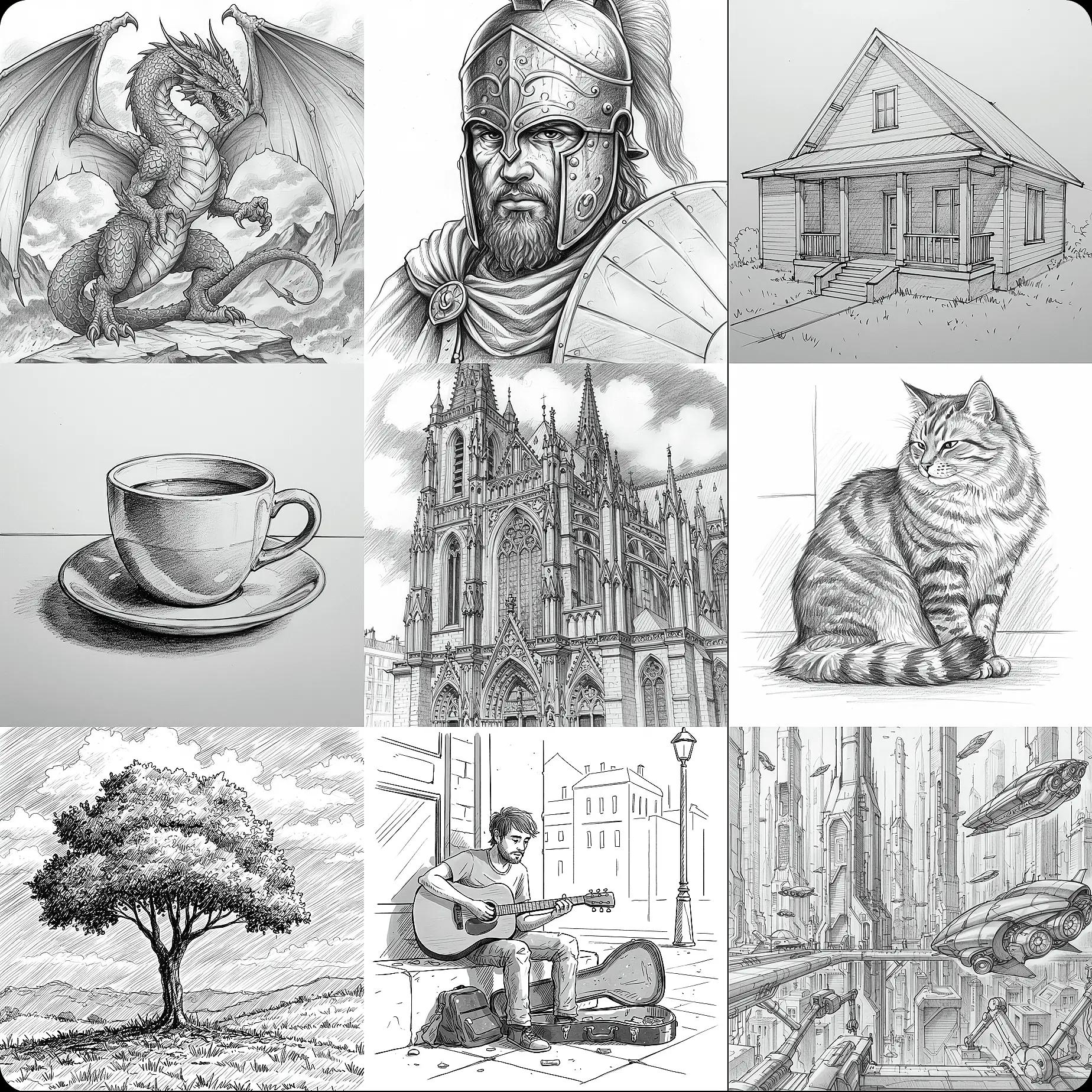
Why Use This Image to Sketch Tool
From quick avatars to printable outlines, our converter helps you create sketch, pencil, and line-drawing styles consistently. It is built for creators who want clean results fast, with a straightforward upload, convert, and download workflow.
Beginner-Friendly
No drawing experience required. Upload an image, pick your style, and get a sketch-like result in moments - ideal for quick experiments, creative references, and everyday design tasks.
Fast Image to Line Draw
Convert photos to outlines quickly when you need simple graphics. Use it to turn picture into line art for stencils, icons, and clean, minimalist designs.
Clean Output for Web and Print
Get crisp edges and balanced shading that works well on screens and in print. This is especially useful when you need a high-resolution sketch for printing or a clear outline for a template.
Privacy-Minded
Use the tool without creating an account or logging in. We treat uploaded images as sensitive content and automatically remove processed files after a short retention period.
Accurate Lines and Shading
Advanced image processing emphasizes contours and important details while reducing background noise, helping your sketch look intentional rather than over-filtered.
Keeps Key Details
The converter aims to preserve recognizable features and shapes from the original photo, so your sketch still looks like the subject - just with an artistic style applied.
Sketch and Line Art Examples
Create different styles from the same upload - soft pencil shading, clean line art, or bold ink outlines. Use the results for social posts, product pages, printables, and quick concept visuals.
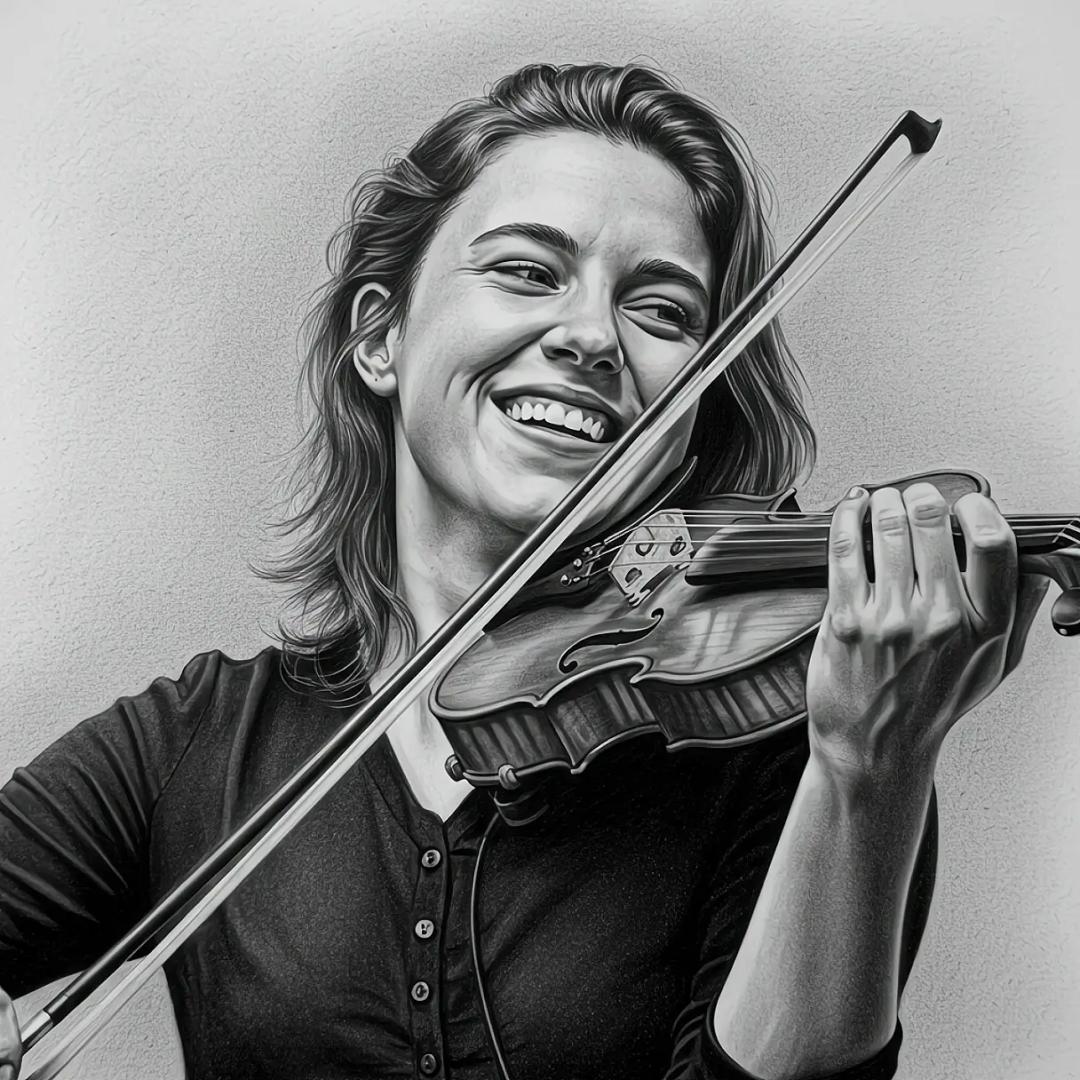
Realistic Pencil Sketch from Photo
Turn a portrait into a detailed pencil-style drawing with shading and texture. Great for profile images, keepsakes, and portrait photo to sketch transformations.
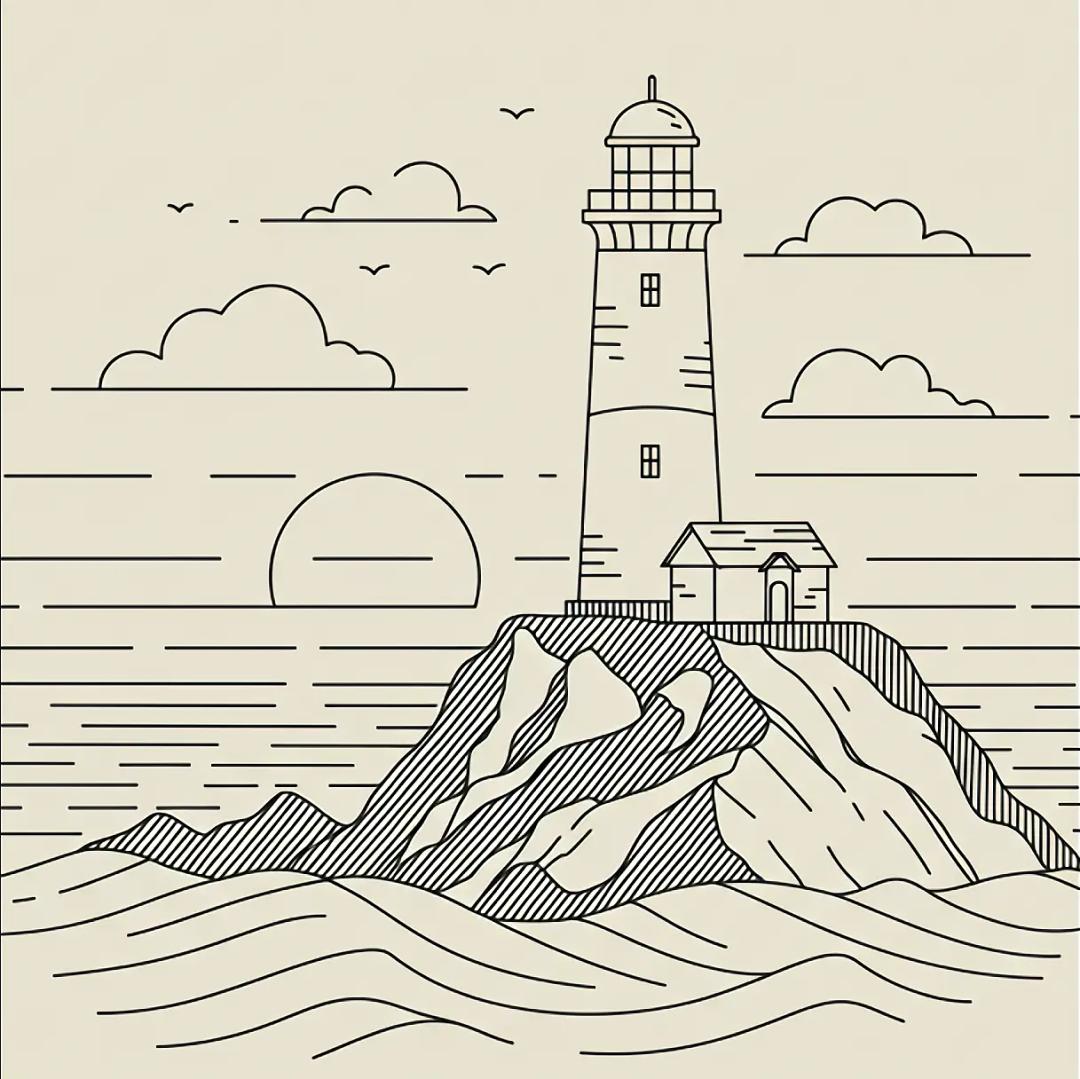
Minimalist Line Art
Create a simple outline with clean strokes. This style is ideal when you want to make coloring pages from photos or build modern, minimalist artwork.
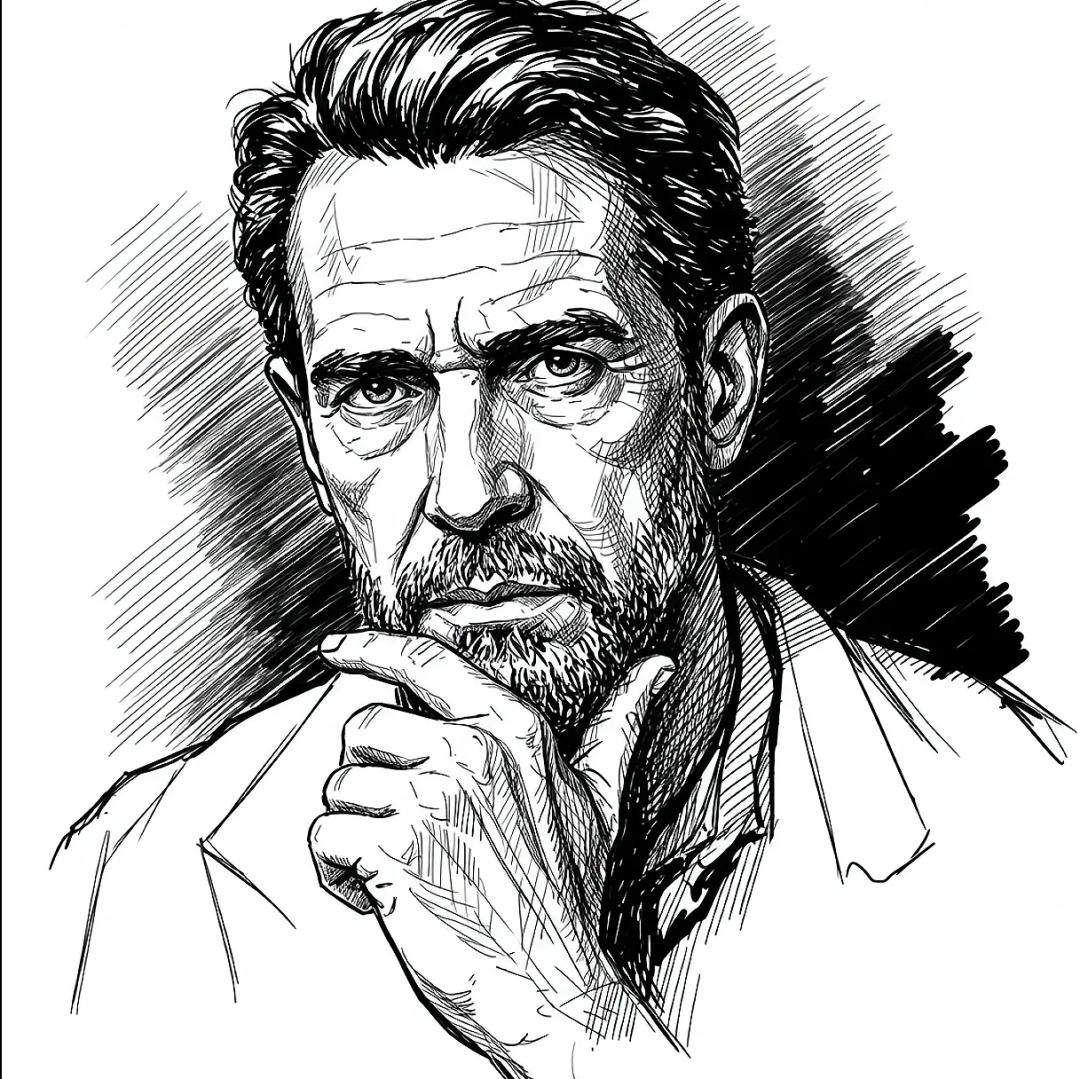
Ink Line Drawing
Generate higher-contrast outlines with an ink feel. Useful for posters, illustrations, and photo to ink drawing looks that stand out.
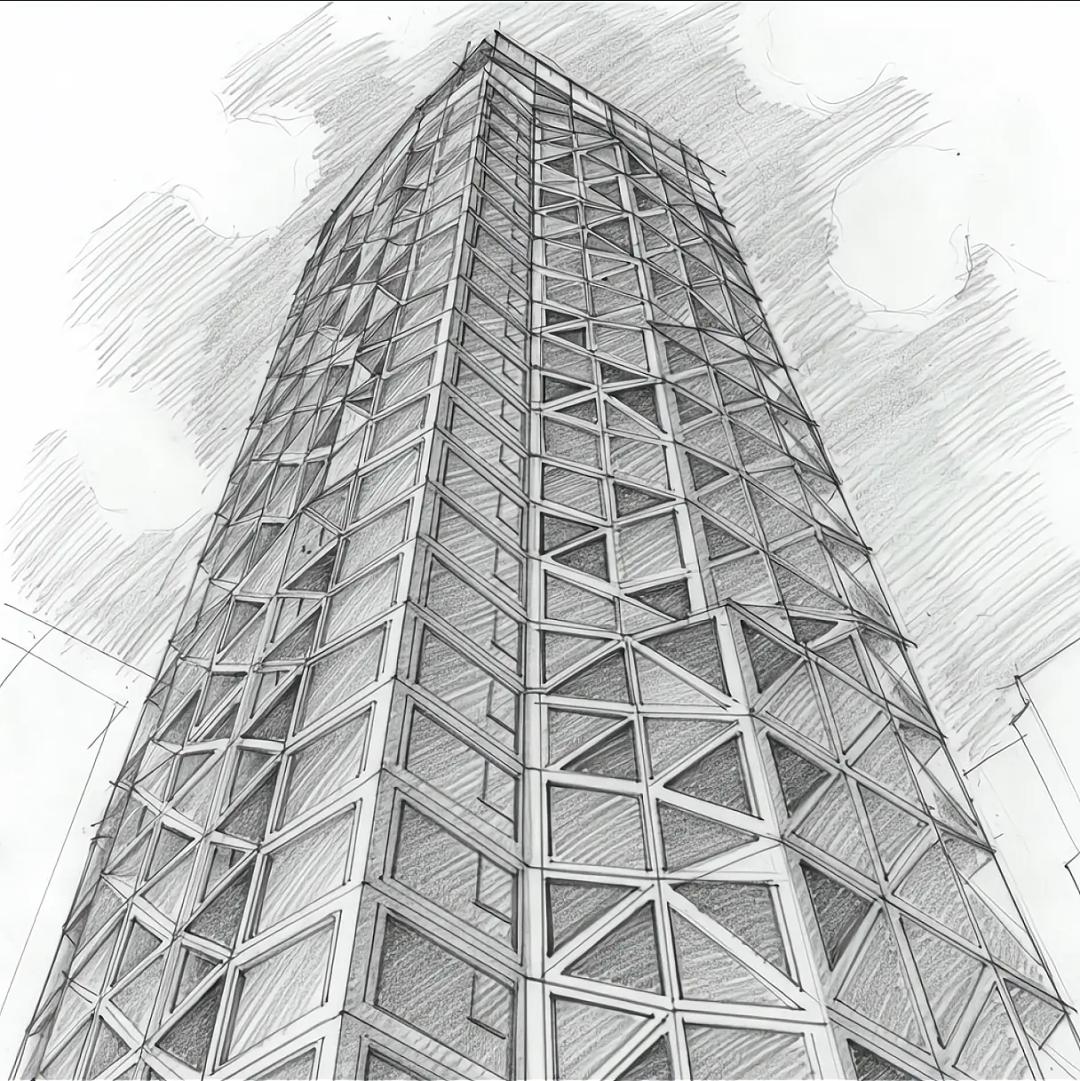
Architecture Outline Sketch
Convert buildings and landmarks into a clean outline drawing. Helpful for presentations, urban sketches, and design mockups.
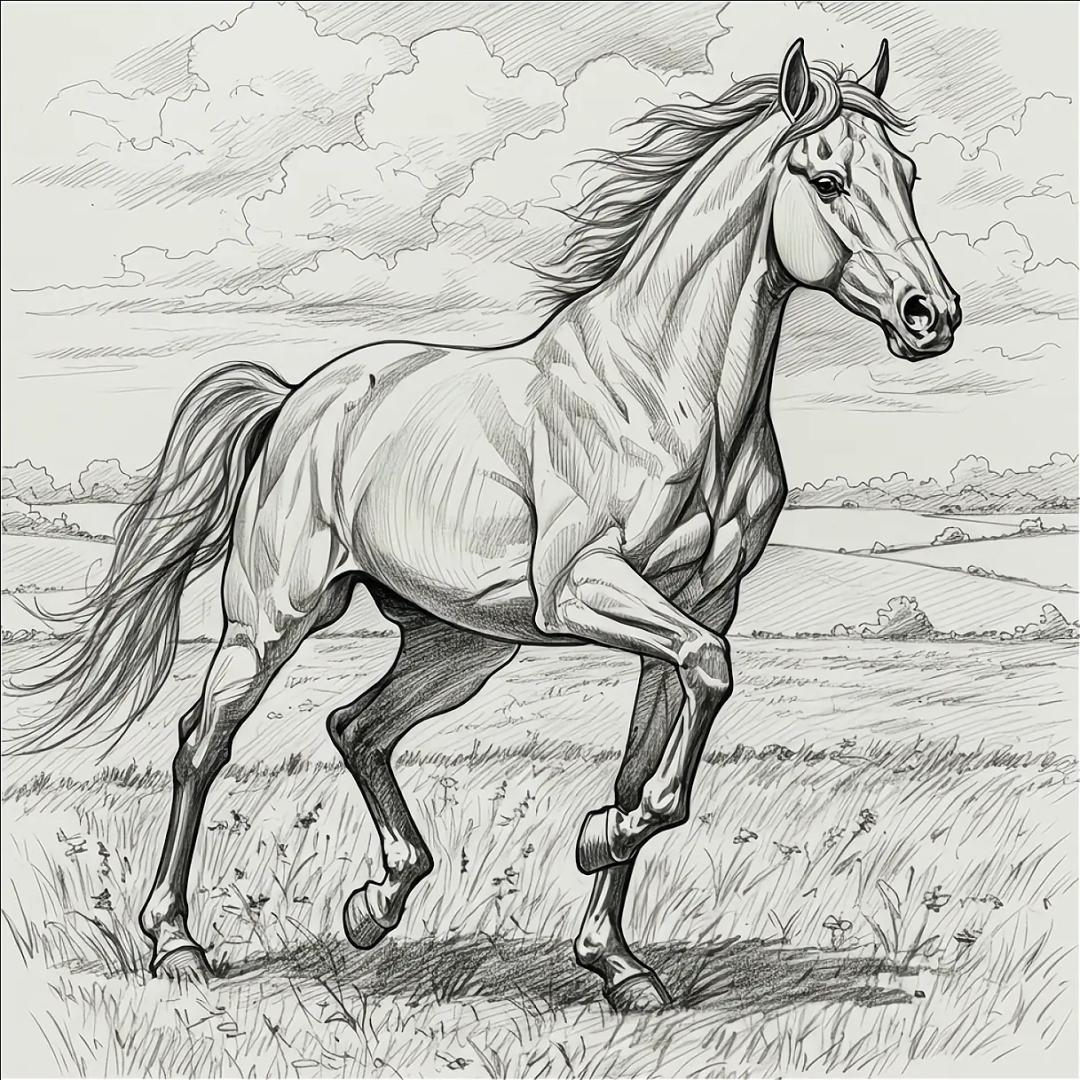
Pet Photo to Sketch
Turn a cat or dog photo into a charming pencil sketch or outline. Great for pet profiles, gifts, and playful illustrations.
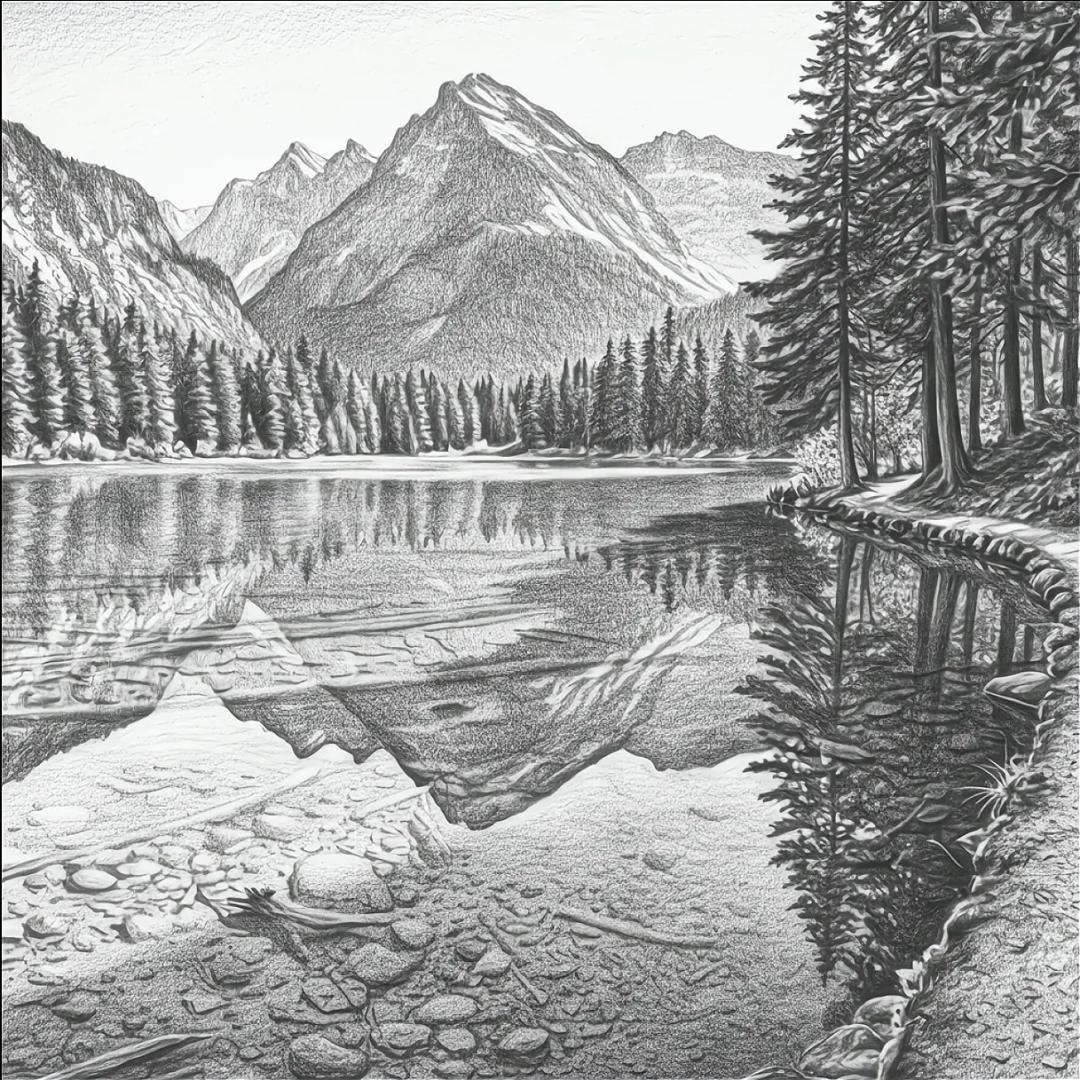
Landscape Sketch Effect
Convert nature and travel photos into sketch-style art with visible edges and gentle shading - ideal for posters, journaling, and creative social posts.
Frequently Asked Questions
Image to sketch, photo to pencil sketch, and line drawing answers
1. What is a pencil sketch?
A pencil sketch is an artwork made with pencil-like strokes. It can be a simple outline or a detailed drawing with shading and depth. Digital pencil sketches recreate this look from a photo by emphasizing edges and adding a sketch-style texture.
2. What is an image to sketch converter?
An image to sketch converter is a tool that turns an uploaded photo into a sketch effect, such as pencil drawing, clean line art, or ink outline. It is commonly used for portraits, product images, coloring pages, and creative graphics when you want a hand-drawn style without drawing manually.
3. Can I convert a photo to sketch online for free?
Yes. You can use this free photo to sketch converter to turn portraits, pet photos, product pictures, and other images into pencil sketch or line art results. For best output, use a sharp image with good lighting and a clear subject.
4. Can I customize the sketch style?
Yes. Choose from sketch presets such as pencil sketch, clean line art, ink drawing, portrait line art, contour sketch, comic line art, anime line art, and more. Each style helps the converter emphasize different lines, shading, and details.
5. Is an online photo-to-sketch converter as good as a hand-drawn sketch?
It depends on your goal. Online conversion is fast and consistent - great for product photo to line drawing assets, quick illustrations, and printables. Hand-drawn sketches can add personal interpretation and artistic nuance that automated tools may not match.
6. Can I use the converted sketches for commercial purposes?
In many cases, yes, as long as you own or have permission to use the original image. Always review the site terms for the latest usage rules before using generated sketches in commercial projects, client work, merchandise, or print products.
7. What file formats are available for download?
You can download your converted sketches in JPG format.
8. Can I turn a photo into line art or a coloring page?
Yes. Choose a clean line art, outline drawing, or high-contrast ink style to turn a photo into clearer lines. These results can work well for coloring pages, stencils, simple illustrations, and printable templates.
9. How do I get the best results from a portrait photo to sketch conversion?
Use a clear, high-resolution photo with even lighting and strong facial detail. Avoid heavy blur and very dark shadows. A simple background can also help produce cleaner lines around the subject.
10. Is it safe to upload images to the converter?
Yes. We value privacy and security. Uploaded images and generated results are automatically deleted within 15 minutes, and you do not need to register, log in, or provide payment details to use the tool.